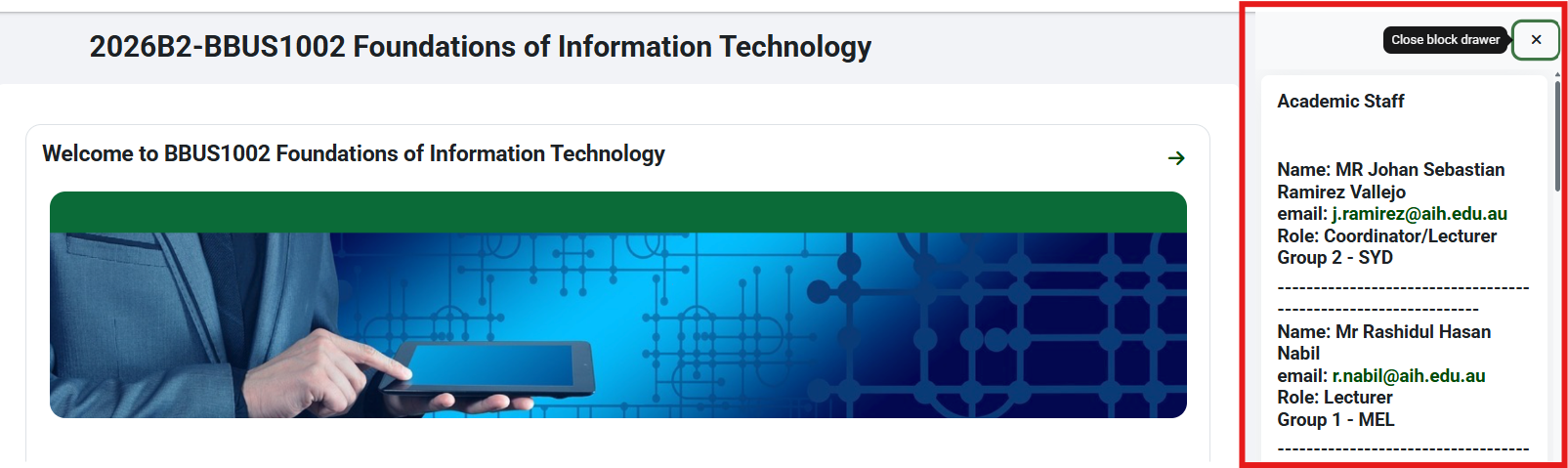
Getting in touch with your lecturer is an important part of your academic journey, whether you need clarification on course material, want to schedule a meeting, or have general questions about your unit.
One of the easiest ways to find your lecturer’s contact information is through Moodle, your online learning platform. Follow these simple steps to quickly access their details:
Step 1: Log into Moodle: To begin finding your lecturers contact information, log into Moodle.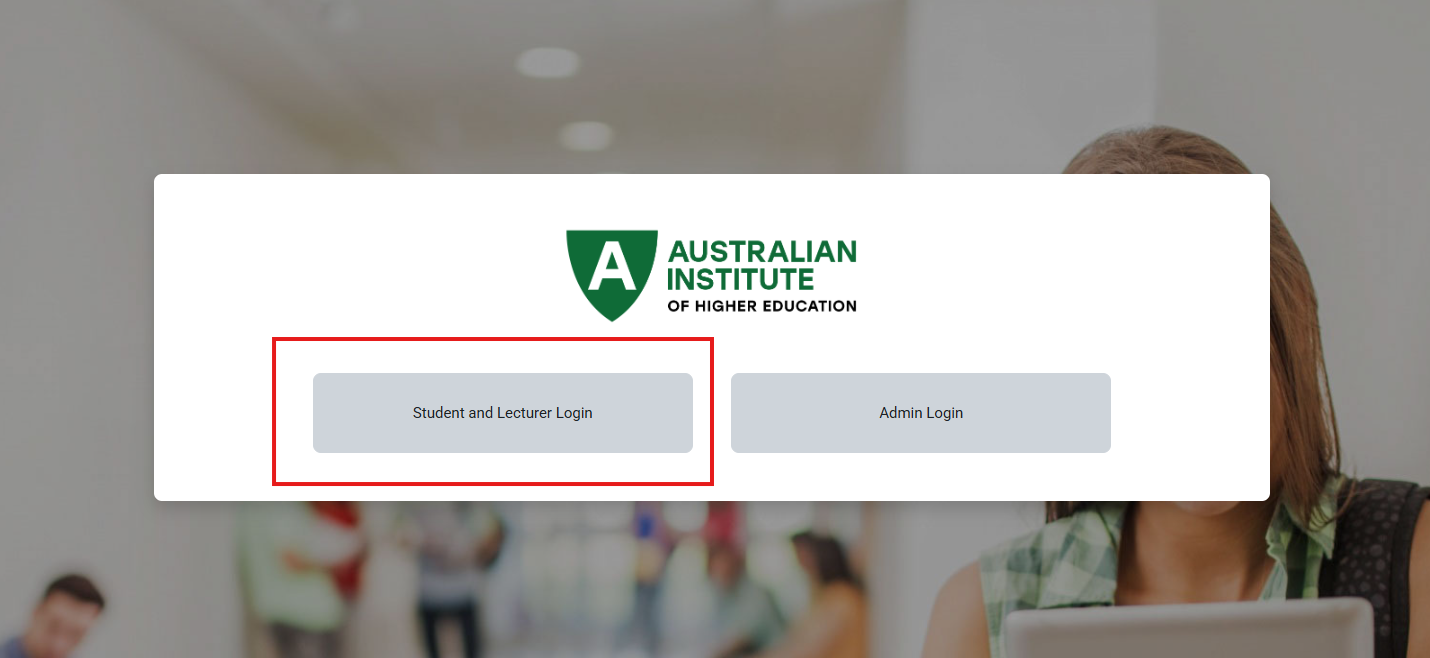
Step 2: Go to "My Courses" Once you're logged in, you'll be directed to your dashboard. Look for the section titled "My Courses". Click on the relevant unit for which you need to contact the lecturer.

Step 3: Open the Block Drawer on the right After opening the unit, make sure the block drawer on the right of your units is open. This will show you your lecturers contact information and more useful information such as a calendar & a menu to access student forms.