
Follow the steps below to gain access to ebooks:
Step 1: Log into Moodle by going to moodle.aih.edu.au and filling in your details.
Step 2: Click on "My Courses" at the top of the page and select your current unit.
Step 3: On your course page, select "Resources" as seen below.
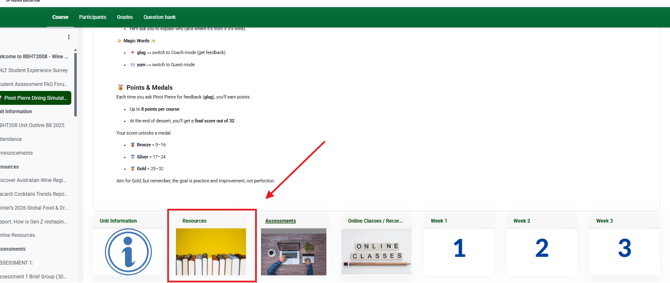
Step 4: Select the ebook link.
Step 5: It will then take you to the VitalSource website where you will need to enter your student email address and create an account. Once you have created your account, it will ask you to verify your account and then you will be able to access the ebook.
In future any ebooks you select from your units will be added into your library.